How to make a narrated explainer video with AI
Kario Team · September 19, 2026 · 4 min read
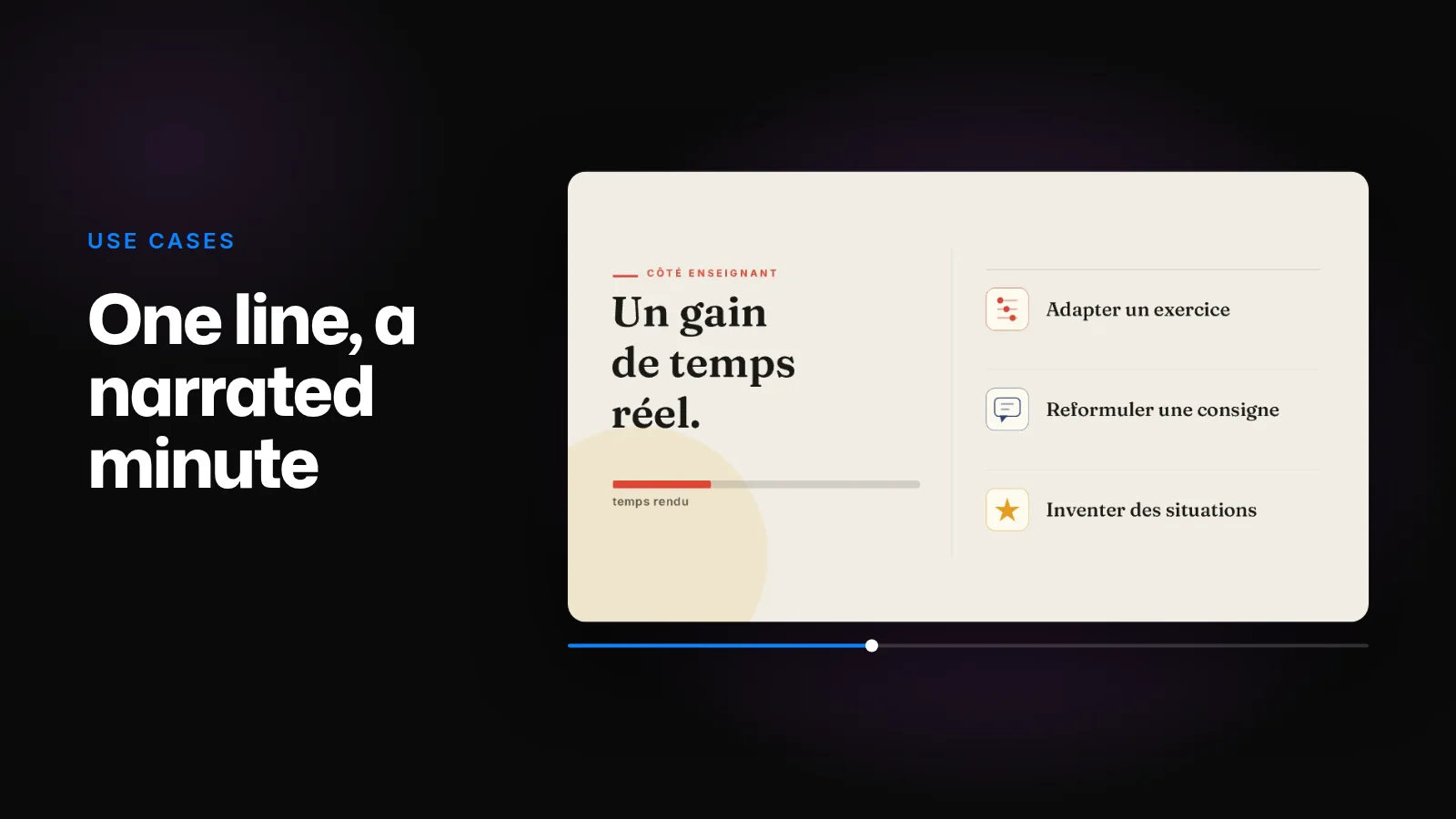
Kario makes narrated explainers from a brief. It writes the script, records the voiceover, and animates each scene to the narration, so a point appears on screen as it's said.
The frames below come from a real project: a one-minute French explainer on generative AI in schools, made by Bertrand Formet for Une IA par jour.
How it was made
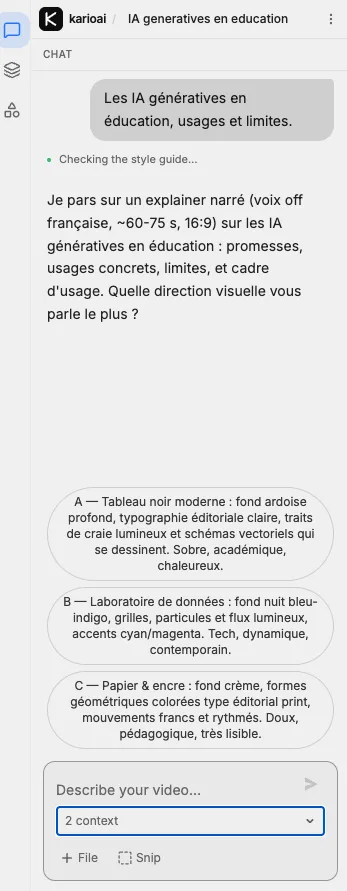
- The brief was one line: "Les IA génératives en éducation, usages et limites." (Generative AI in education: uses and limits.) Kario chose the audience, the angle and the examples itself.
- Before animating anything, Kario proposed the format and three looks: a narrated explainer of 60 to 75 seconds at 16:9, as a modern blackboard, a data lab, or paper and ink. Paper and ink was chosen.
- The voiceover set the length. A calm French voice ran 59.9 seconds, so the video runs 59.9 seconds, each scene timed to its lines.
- It came out as 188 named layers, grouped into six scenes.
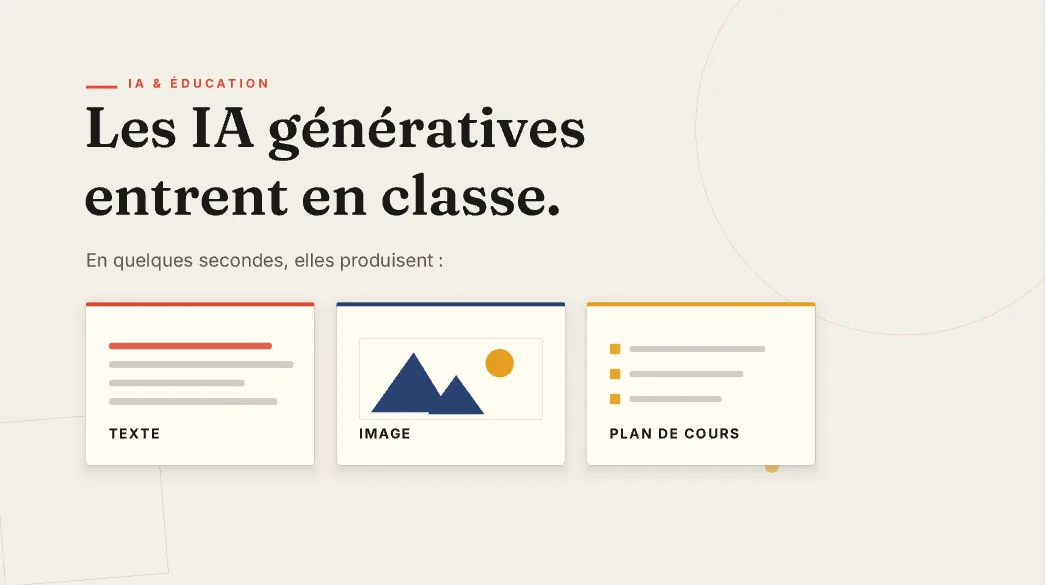
The six scenes
1. What the tools produce. A title that names the change, with cards for text, images and a lesson plan.
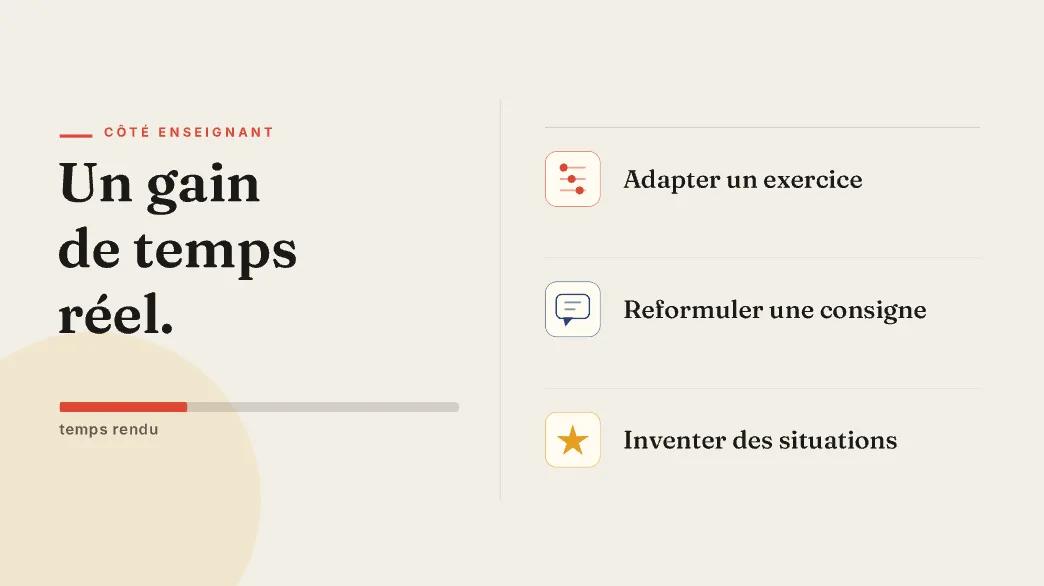
2. Time back for teachers, shown as a filling bar and three uses.
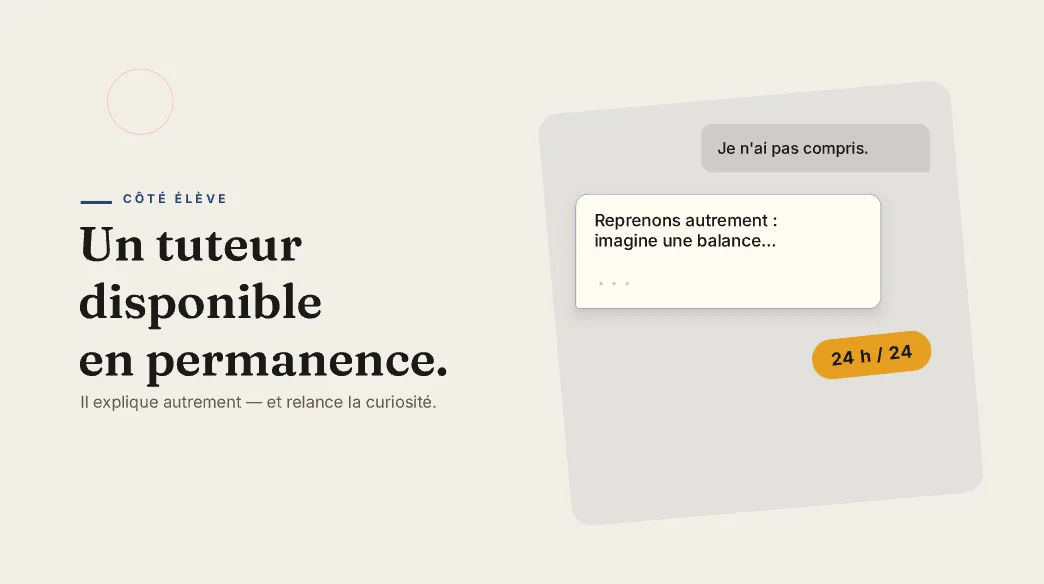
3. A tutor for students that's always available, shown as a live conversation.
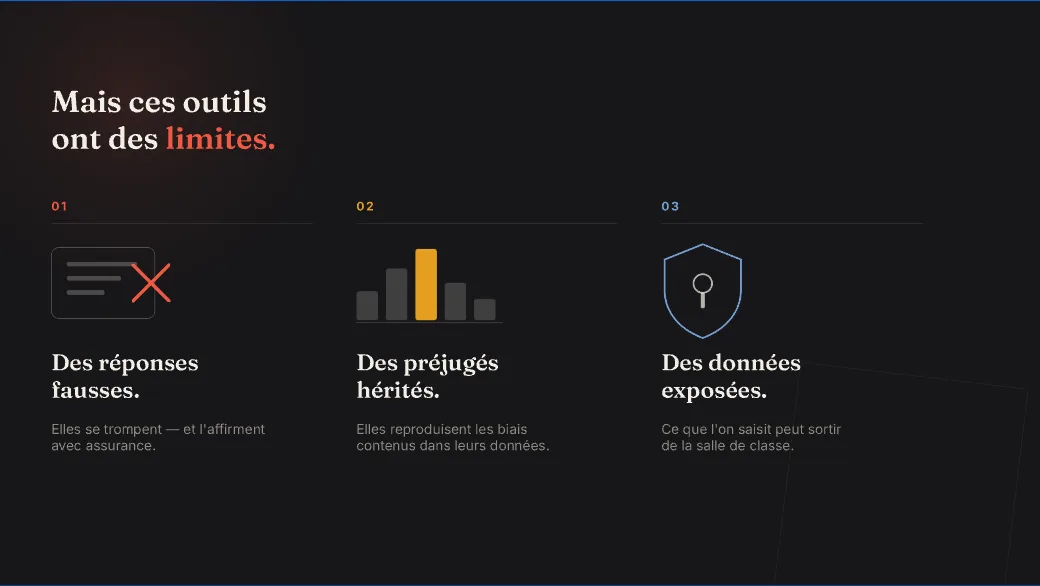
4. The limits. The palette flips to dark ink for wrong answers, inherited bias and exposed data.
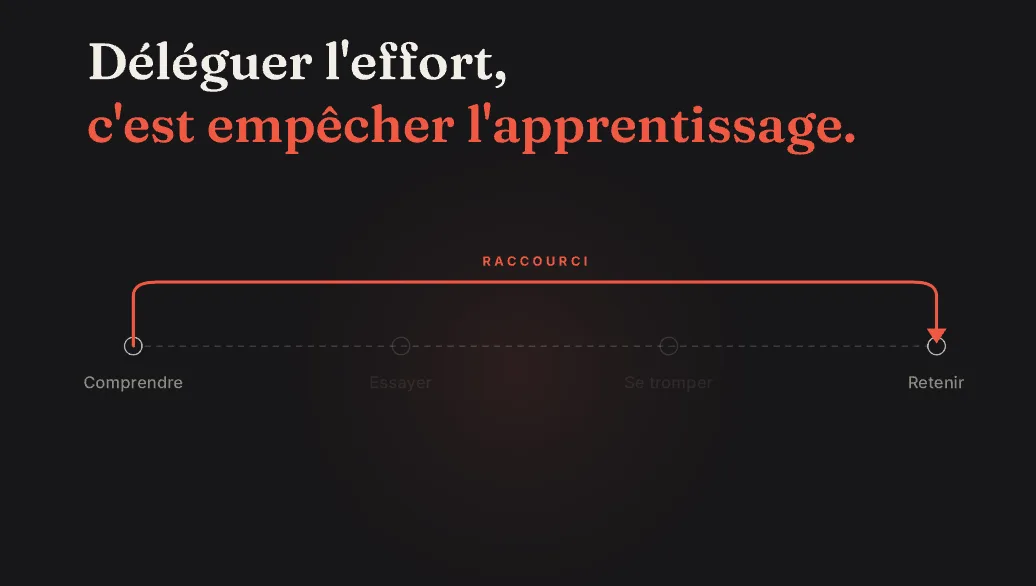
5. Why skipping the effort skips the learning, as an arrow that jumps over the middle steps.
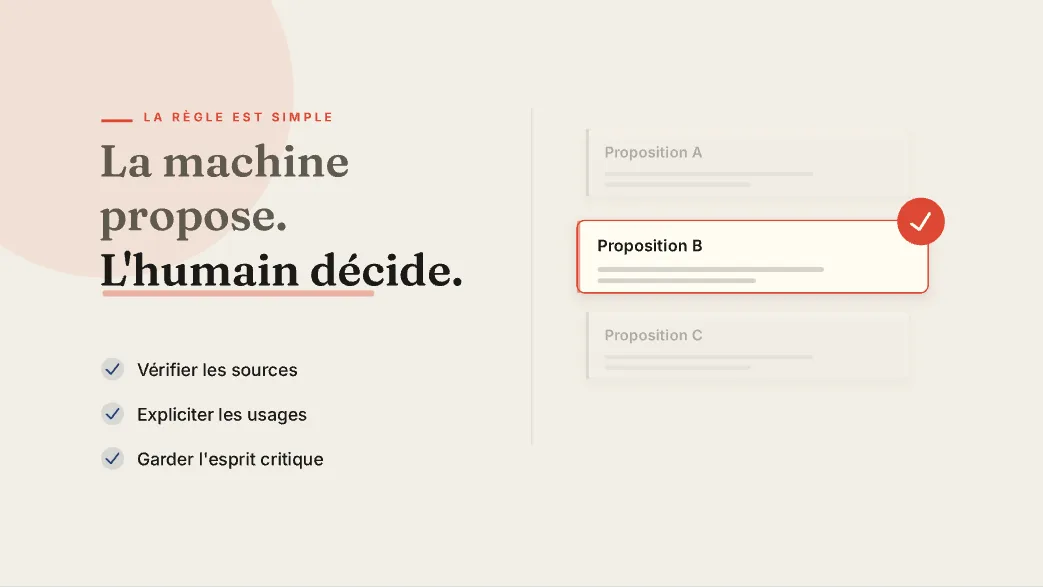
6. The rule it ends on: "La machine propose. L'humain décide." (The machine proposes. The human decides.)
What a fuller brief changes
One line was enough for a complete video, with Kario choosing who it was for and what it said. A brief that names those things gets your explainer rather than Kario's reading of the topic. Written out, the same topic reads:
A 60-second narrated explainer in French, 16:9, for secondary-school teachers who are curious about generative AI but wary of it. Takeaway: "The machine proposes, the human decides." Beats: what the tools produce; time saved for teachers; an always-available tutor for students; the catch (wrong answers, inherited bias, exposed data); why skipping the effort skips the learning; the takeaway. Calm, clear, no hype.
Ask to see the script before the voiceover is recorded. The narration sets the timing of every scene, so a wording change is cheapest there.
For a lesson or a channel
The same works for teaching a concept, a method or an algorithm. Kario draws diagrams as shapes and text layers, so a step can be shown happening: two values swapping places in a sort, a force arrow growing, a number changing as the narration reaches it.
- The one idea the video should leave. "An object keeps moving at the same speed unless a force acts on it."
- The steps, in the order you'd draw them on the board. Each one becomes a scene.
- The language. Narration and on-screen text can be in the language you teach in. Kario sets Arabic, Persian, Hindi, Bengali, Thai, Chinese, Japanese and Korean with a font for each built in, and Arabic and Persian run right to left.
- One idea per video. In edX's study of lecture videos, engagement fell off after about six minutes, and the authors recommend chunks shorter than that (Guo, Kim and Rubin).
Changing it afterwards
- In the chat, for anything that touches several layers: pacing, colours, a rewritten line of narration. Kario records the new line and retimes the scenes that follow.
- In the editor, for exact fixes: select a layer to retype it, move it, or change its keyframes.
- Every export stays in the list, so a revision can be compared with the previous cut before it's shared.
Example project and screenshots from "Kario" by Bertrand Formet on Une IA par jour, licensed under CC BY.