How to turn spreadsheet data into an animated chart video
Kario Team · September 30, 2026 · 3 min read
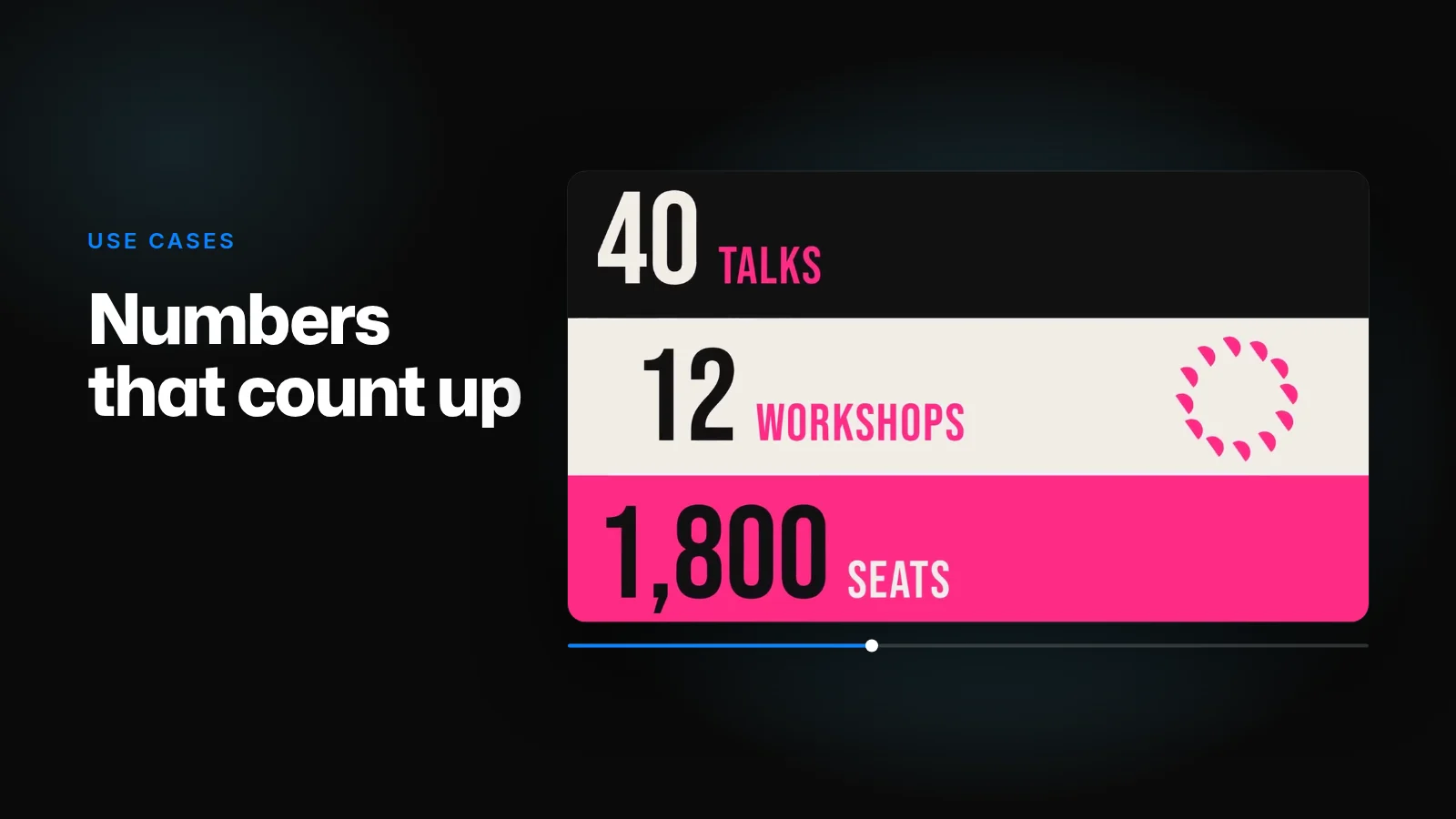
Kario builds charts from the numbers you give it, not from a picture of a chart. Attach the CSV or Excel export, or paste the table into the chat, with the sentence the numbers prove. Kario draws the chart as shapes and text layers and animates it: bars grow, a line draws on, the final value counts up and holds.
The counts in Halfstep's conference video, 40 talks, 12 workshops and 1,800 seats, work the same way. Each number is one text layer whose value is keyframed, so changing 1,800 to 2,000 is one edit, not a new render.
What to send
- The table, trimmed to what the video shows. One or two series, the range where the change happens, and rounded values: "$1.2M" reads at a glance, "$1,187,342.18" doesn't.
- The sentence the numbers prove. "Revenue tripled after we launched self-serve." It becomes the headline, and it decides what the chart points at.
- The moment that explains the change, if there is one: "Label July: self-serve launch."
- Which series is the main one. It gets the accent colour and everything else stays neutral. Send your site or set your colours on the Brand page so the accent is yours.
- Where it's going. 16:9 for a deck or an investor update, 1:1 or 4:5 for LinkedIn, 9:16 for Reels. Each shape comes as its own board, with the chart laid out again for that frame rather than shrunk into it.
A brief for one chart:
16:9, 10 seconds. A line chart of monthly revenue, January to September: 40, 42, 45, 44, 48, 51, 95, 118, 130 (in $k). Draw the line slowly through June, then faster after the self-serve launch in July. Label July "Self-serve launch". End on the September value counting up to $130k. Headline: "Revenue tripled after self-serve."
Which chart for which point
- A line for change over time, drawn on from left to right.
- Bars for comparing amounts, growing one at a time.
- One big number for the single figure that matters, counting up and holding.
- A single stacked bar for parts of a whole. It reads faster than a pie once it moves.
Readable while it moves
A video viewer can't hover over a bar or pause to read an axis, so the chart has to point at its own story:
- Bars start at zero. A bar axis that starts higher exaggerates the difference (Datawrapper).
- Label the lines directly rather than with a colour key (Datawrapper).
- One change at a time. Change the axis first and the values after, not together, and ease each move in and out (Heer and Robertson).
- Hold the number that the headline is about.
Checking it
Watch the first pass once for the numbers: every value, label and axis against your table. Each one is its own layer, so a wrong value is a retype in the editor or a line in the chat. Then watch it for timing, and ask for what's off: "hold the final number for an extra second", "grow the bars one after another".